
Performance & Reporting
Reports
Generate and export performance reports for your content.
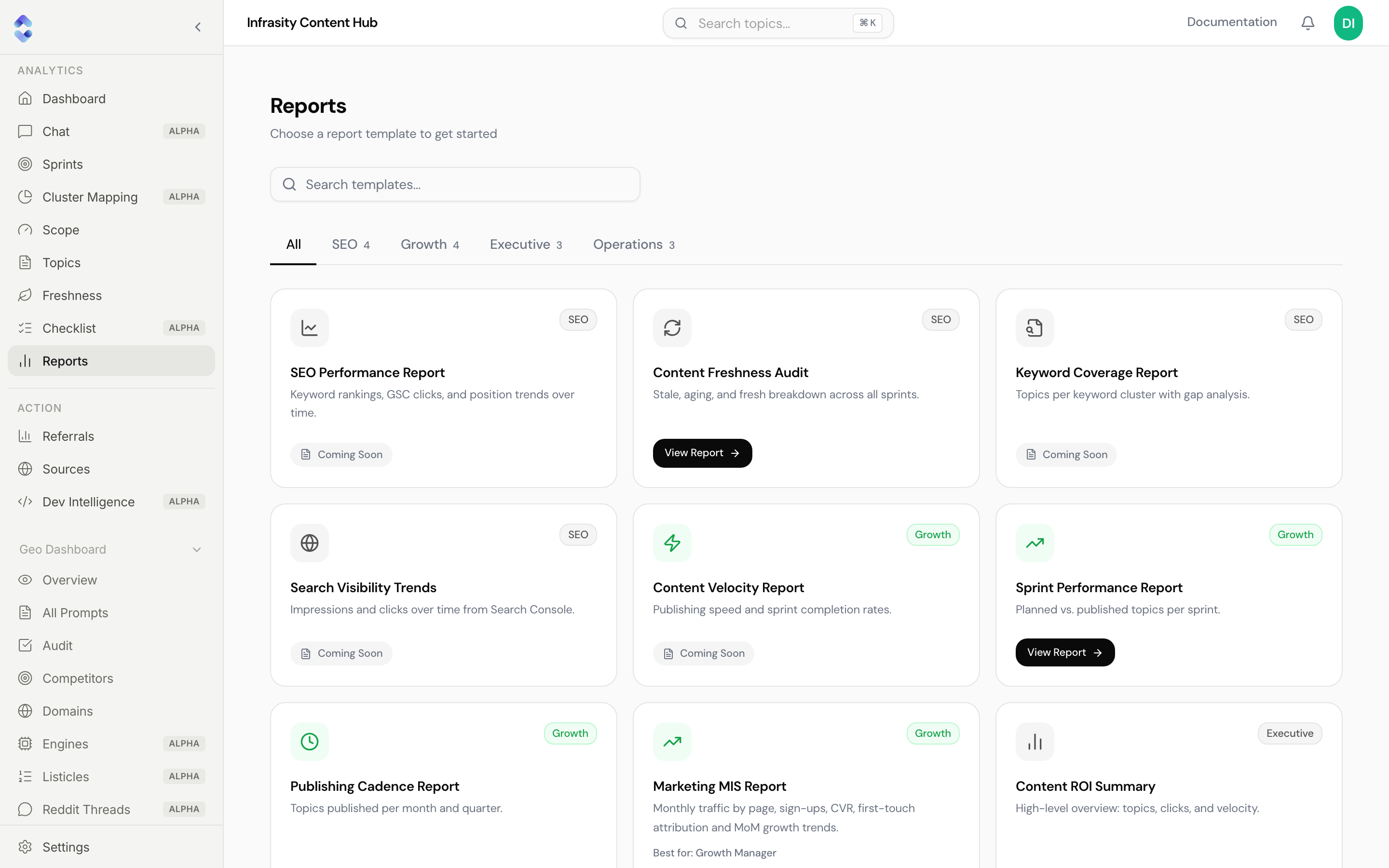
Reports is a library of report templates. Pick a template to open a ready-made report, and export it as a CSV.
Finding a report
- Search templates… filters by name.
- Category tabs: All, SEO, Growth, Executive, and Operations, each with a count.
Each card shows its category, a one-line description, and either a View Report button or a Coming Soon label.
Available reports
| Report | Category | What it shows |
|---|---|---|
| Content Freshness Audit | SEO | Stale, aging, and fresh topics across all sprints. |
| Sprint Performance Report | Growth | Planned versus published topics per sprint. |
| Marketing MIS Report | Growth | Monthly traffic, sign-ups, and attribution. |
Coming soon
SEO Performance Report, Keyword Coverage Report, Search Visibility Trends, Content Velocity Report, Publishing Cadence Report, and Content ROI Summary are listed but don't have a report to open yet.
Cards labeled Coming Soon aren't clickable
Templates marked Coming Soon are placeholders for planned reports. Only cards with a View Report button open.
LLM usage: llms.txt